July 29th, 2026
New

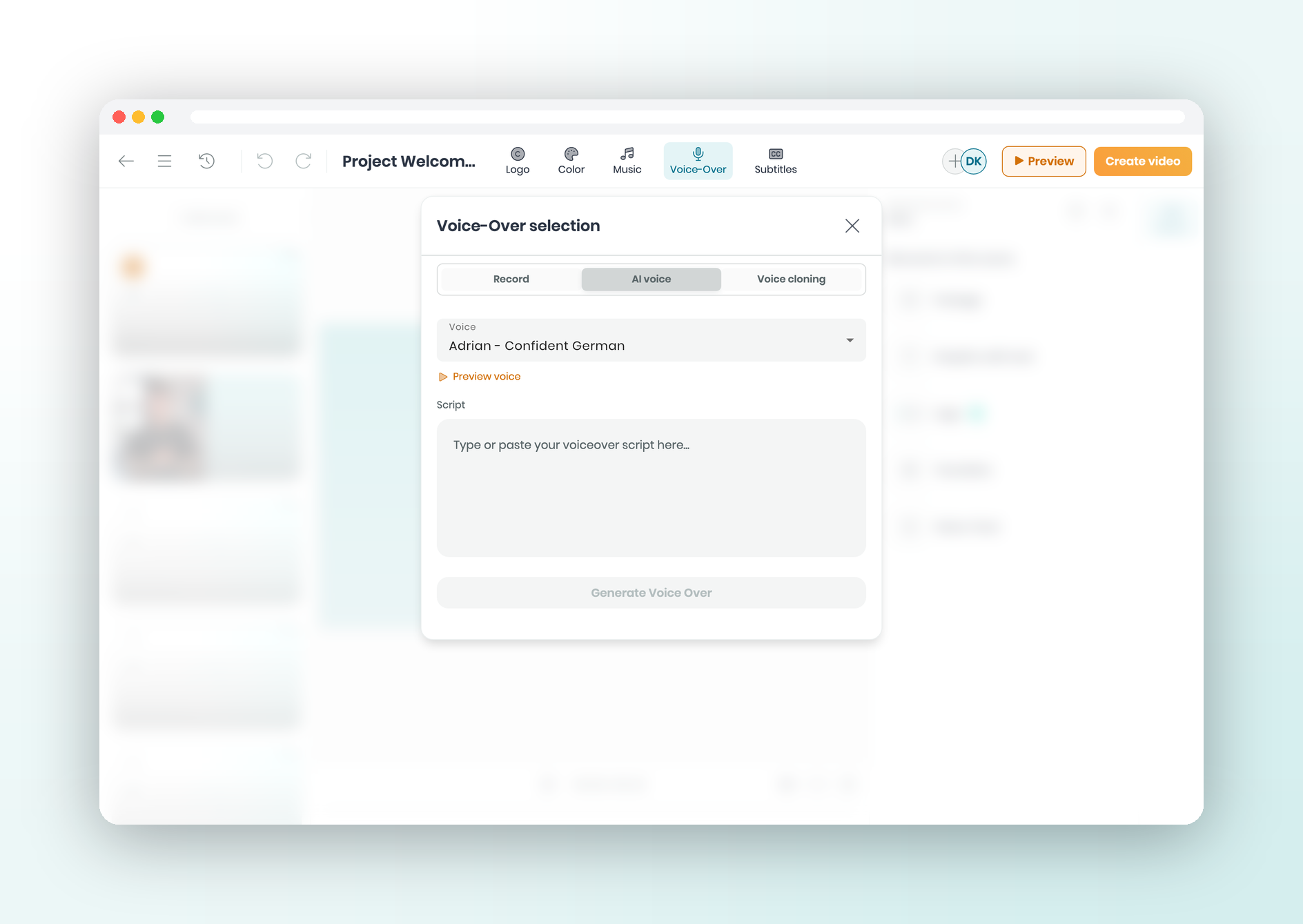
Need a voiceover but don't want to set up a mic or open another app? Type your script in the editor and hear it read back as narration.
What's new
Type a script and get a voiceover β no mic, and a typo is just a text edit
Pick a voice from the library to match your tone, language, or video
Clone your own voice once and reuse it on future projects
The track lands on your timeline, ready to trim and mix like any audio
Find it in the editor under Voice-Over β AI voice β voice cloning is the tab beside it.
July 28th, 2026
Improved

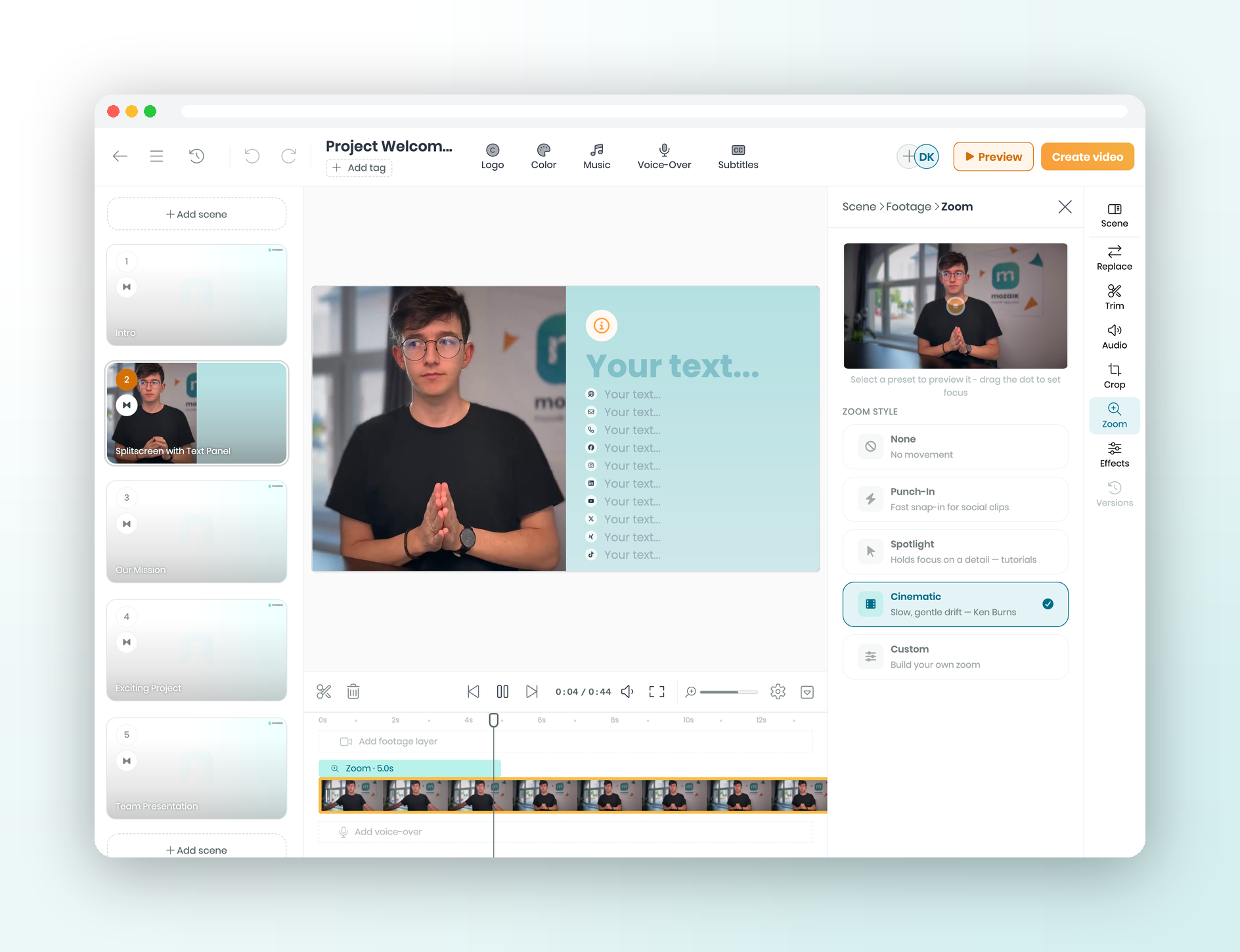
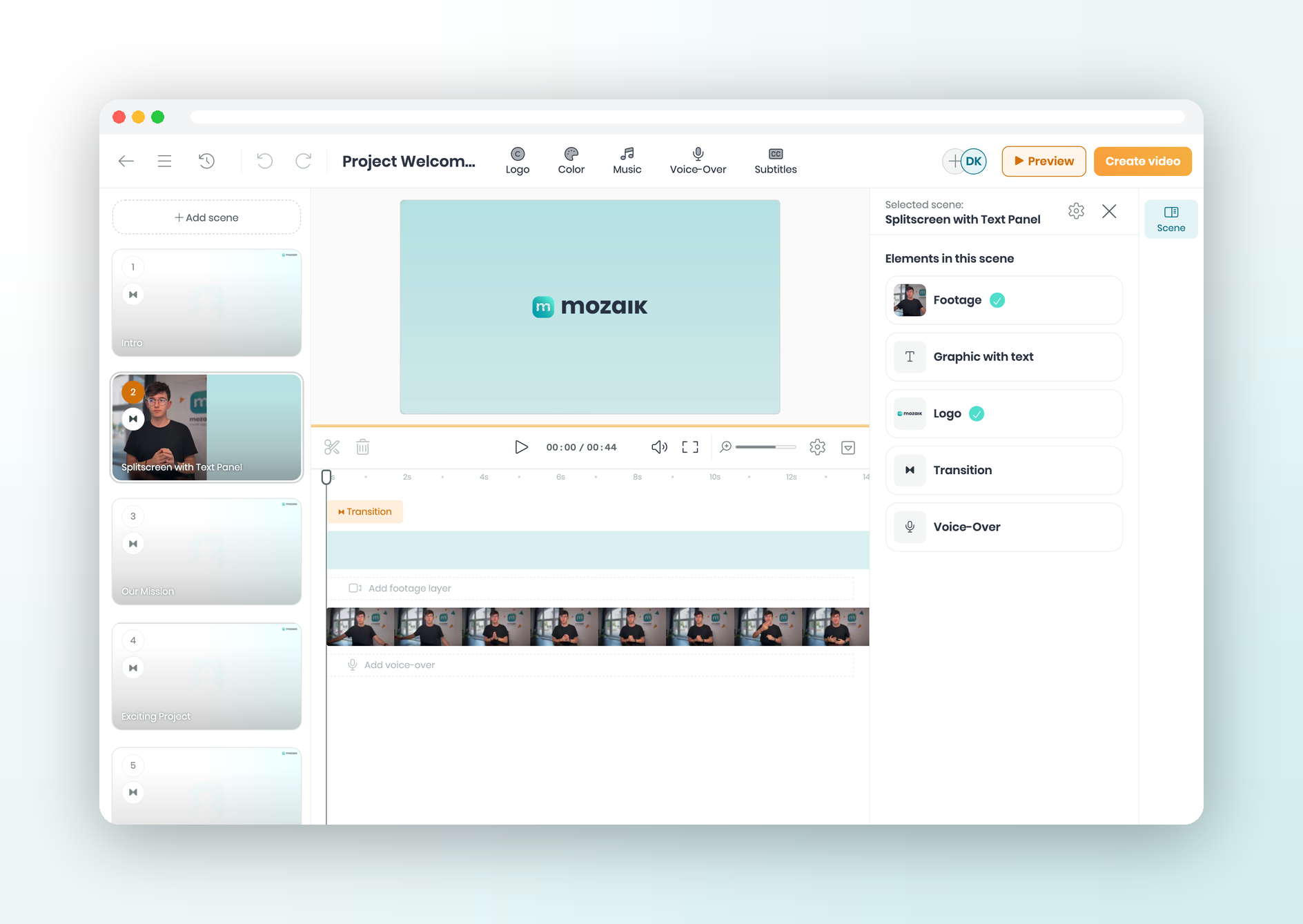
Built your timeline and a clip ended up on the wrong track? Drag it from the base track up to a B-roll layer β or pull it back down β right there in the timeline.
What's new
Move a clip up to a B-roll track or back down to the base track in one drag
Rearrange your footage across tracks without re-importing it
Rework a layout you got wrong instead of rebuilding the whole timeline
Find it in the editor timeline β drag any clip between the base track and a B-roll layer.
July 28th, 2026
New

Nudging a clip flush against the next one, then missing by a pixel? That gets old fast. Now clips pull together as you drag, and your cuts land clean.
What's new
Drag a clip near an edge and they lock together β no hairline gaps, no accidental overlaps
Edges also snap to clips on other tracks and to the playhead, so everything lines up
Stays on by default β switch it off anytime you want free movement
Find it in the editor timeline; toggle it under Settings (gear) β Magnetic snapping.
July 22nd, 2026
Improved

You lined up your clips, then realized the intro belongs at the end. Now just slide a recording left or right to drop it into place.
What's new
Drag a recording left or right to move it anywhere in its track
Test different orders in seconds to find the flow that feels right
No more pulling clips out and re-adding them just to reshuffle
Find it in the editor timeline β drag a recording to reposition it.
July 15th, 2026
Improved

Spread across time zones? Video in the editor can stall while it loads from far away. Now it streams from a server near you, so playback starts quicker and buffers less.
What's new
Clips come from a location close to each viewer, so they start without the wait
The editor feels more responsive for teammates working across countries
Switch it on or off for each team individually
Need EU data residency? Leave it off and stay on the current setup
Find it under Settings β Organization settings β "Stream content via global CDN".